Nine episodes into this series, one question kept coming up: "Which AI tool do you actually use?"
After a year of real work—not benchmarks or demos—I realized the better question isn't which tool is best. It's what each one has actually earned.
I didn't set out to compare ChatGPT, Claude, and Copilot. It happened by accident—each one kept winning a different kind of task until the pattern became too obvious to ignore. This is that pattern, written honestly, including the moments when a tool disappointed me before it earned its place.
Why I'm Writing This as a Personal Account, Not a Comparison Chart
Figure 1. Comparison charts assume everyone's tasks look the same. They don't.
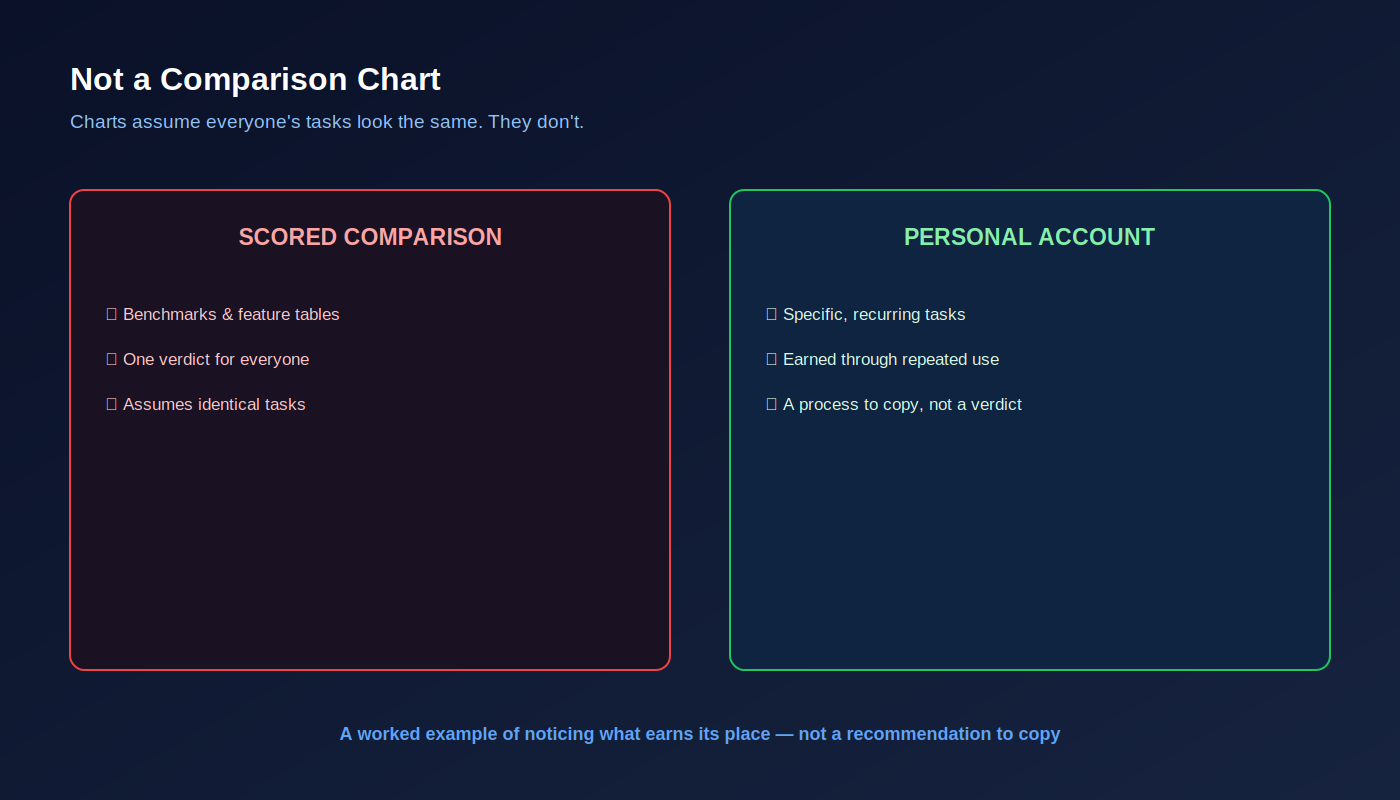
Most "ChatGPT vs Claude vs Copilot" content online ends with a scorecard, benchmark table, or single winner. I think that format is actively misleading for anyone trying to build real capability—for the same reason I argued against "best AI tools" lists in Episode 9.
My work is specific: client communication, technical delivery oversight, business analysis. Someone in legal, marketing, finance, or product design would almost certainly build a different mapping.
This isn't a recommendation to copy my exact setup. It's a worked example of a better process: noticing where a tool earns its place through repeated use rather than through a spec sheet.
Writing — ChatGPT
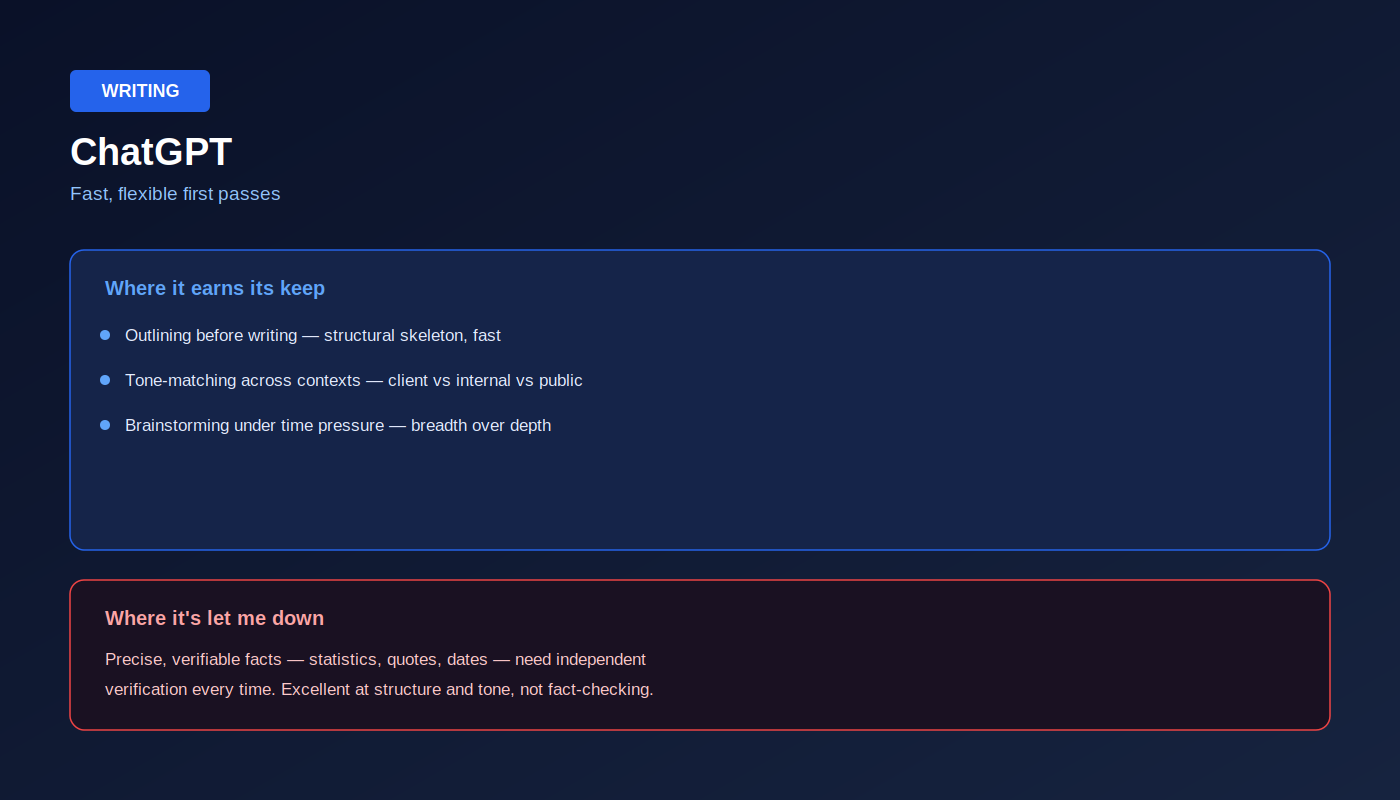
Figure 2. Where ChatGPT earned its place in my daily workflow.
Most of my writing isn't starting from a blank page. It's drafting client communication, outlining an article, preparing a proposal, or finding the right tone before I write the real version.
ChatGPT became my default because it's exceptionally fast at producing a usable first pass.
Where it earns its keep
- Outlining before writing. A structural skeleton appears in seconds.
- Tone-matching across contexts. Client email, internal Slack message, LinkedIn post—the same idea needs different voices.
- Brainstorming under time pressure. Breadth matters more than perfection.
Where it's let me down
Precise, verifiable facts—statistics, quotes, dates—still require independent verification every time. It's outstanding at structure and tone. It's not a substitute for fact-checking.
That reinforces a point from Episode 8: judgment matters more than fluency.
Coding — Claude
Figure 3. Where Claude earned its place—sustained reasoning over a real codebase.
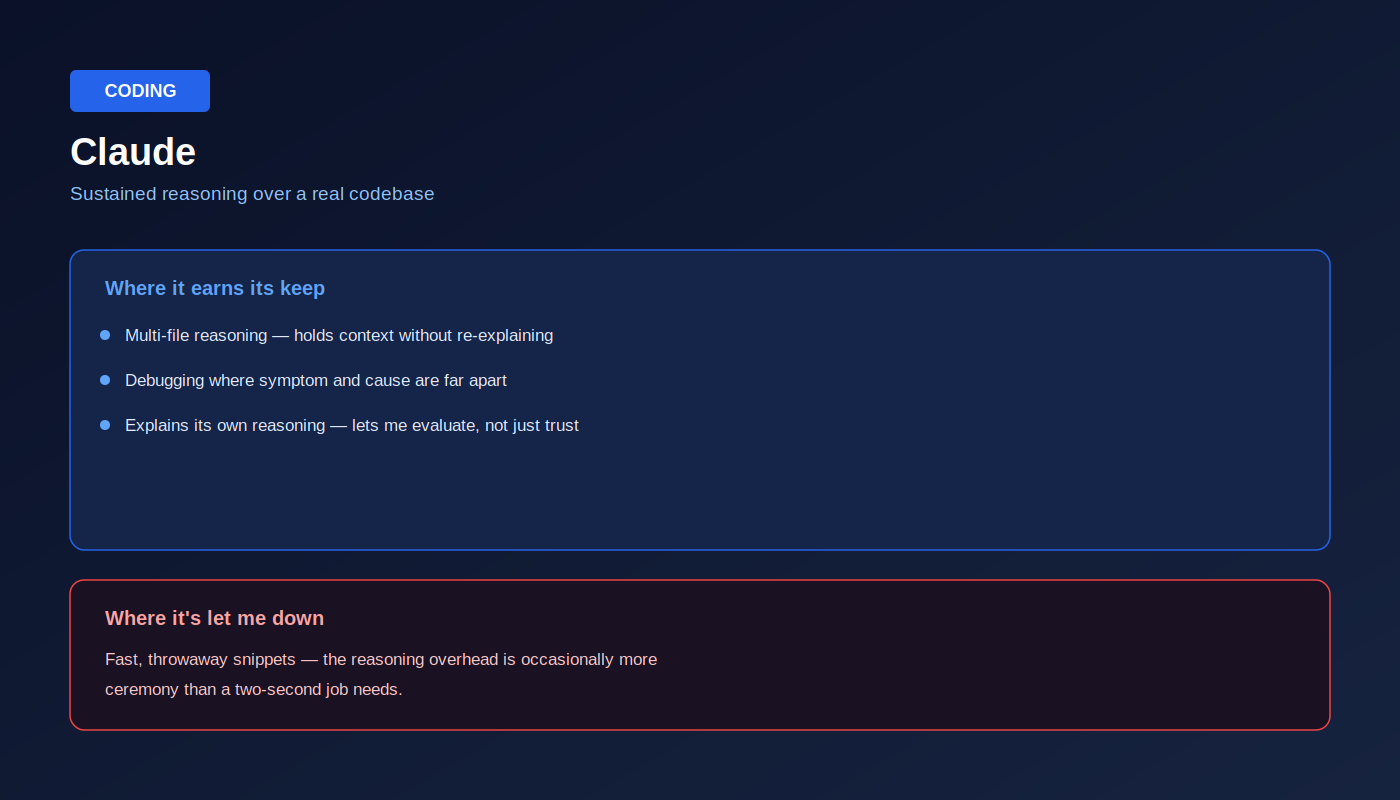
Coding is where the differences became clearest—not because one tool writes prettier code, but because some problems require holding context across multiple files and several reasoning steps.
Claude became my default whenever careful reasoning mattered more than speed.
Where it earns its keep
- Multi-file reasoning across a codebase.
- Debugging where symptoms and causes live far apart.
- Explaining its own reasoning, making evaluation easier.
Where it's let me down
For quick throwaway snippets—a regex, a boilerplate function, a tiny helper—the reasoning overhead can be more ceremony than the task deserves.
Sometimes the fastest tool is simply the one that's already open.
Analysis — Copilot
Figure 4. Where Copilot earned its place—inside the tools I already use.
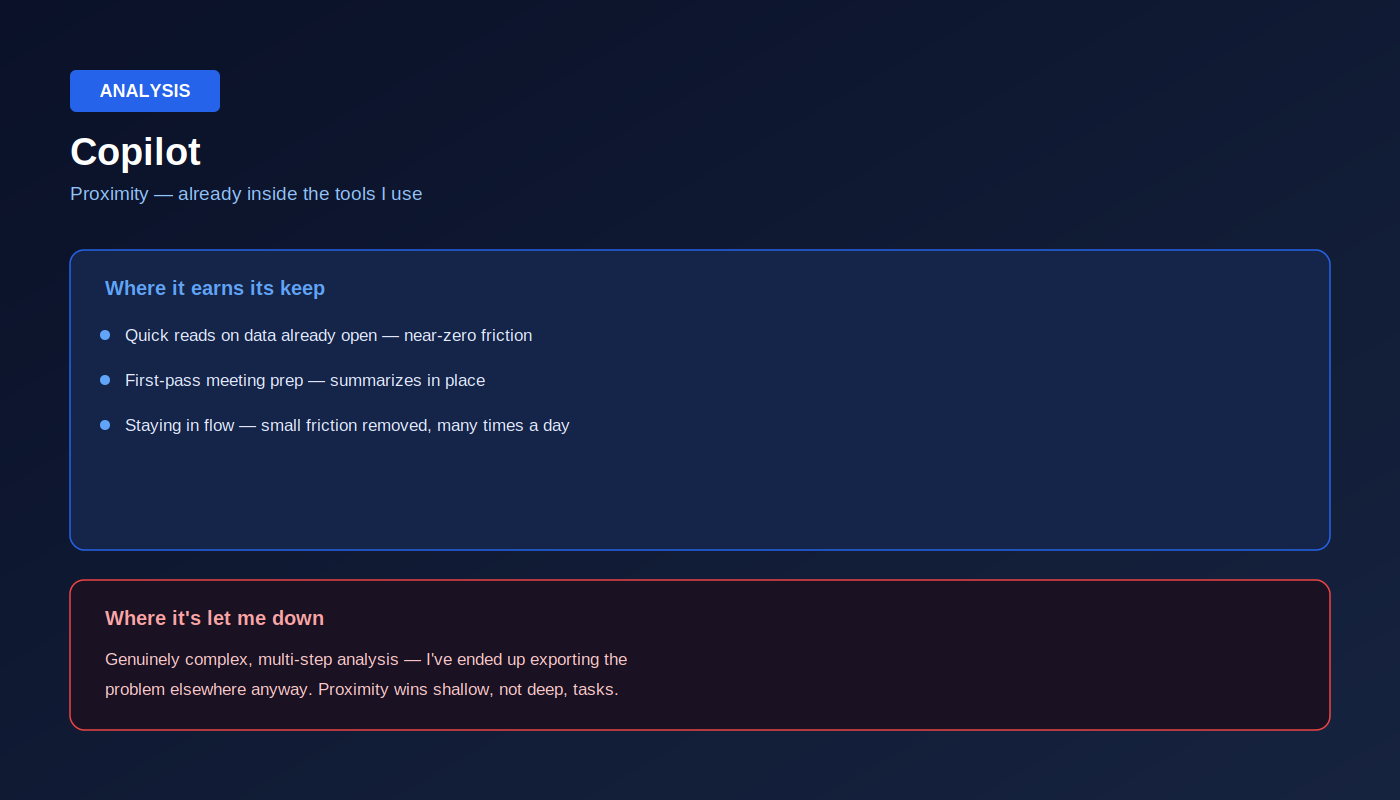
The analysis work I do most often isn't a from-scratch data science project.
It's opening spreadsheets, spotting patterns, summarizing documents, and preparing for meetings.
Copilot's biggest advantage isn't raw intelligence.
It's proximity.
Where it earns its keep
- Quick reads on spreadsheets already open.
- First-pass meeting preparation.
- Staying in flow by eliminating constant context switching.
Where it's let me down
When analysis becomes genuinely complex and multi-step, I eventually move the work elsewhere.
Proximity wins shallow tasks.
Depth wins difficult ones.
Where the Lines Blur
Figure 5. The categories aren't rigid—and forcing rigidity is its own mistake.
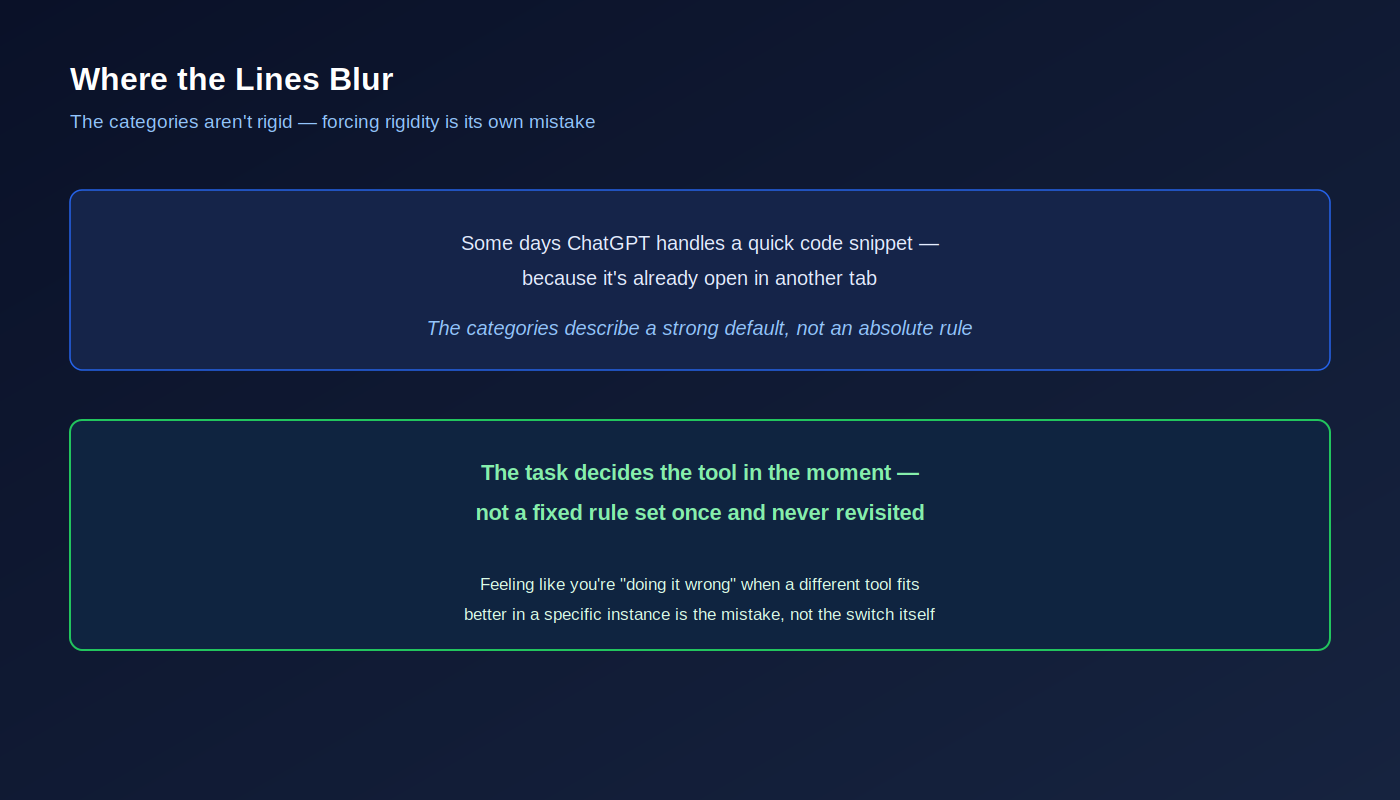
None of this is as clean as "always use X for Y."
There are days I use ChatGPT for code because it's already open.
There are days I use Claude for writing because the piece needs deeper structural thinking.
The categories describe a default, not a rulebook.
The task should decide the tool—not the habit you formed six months ago.
What This Actually Confirms
Figure 6. The pattern behind the pattern—this maps directly onto Episode 9's five-category framework.
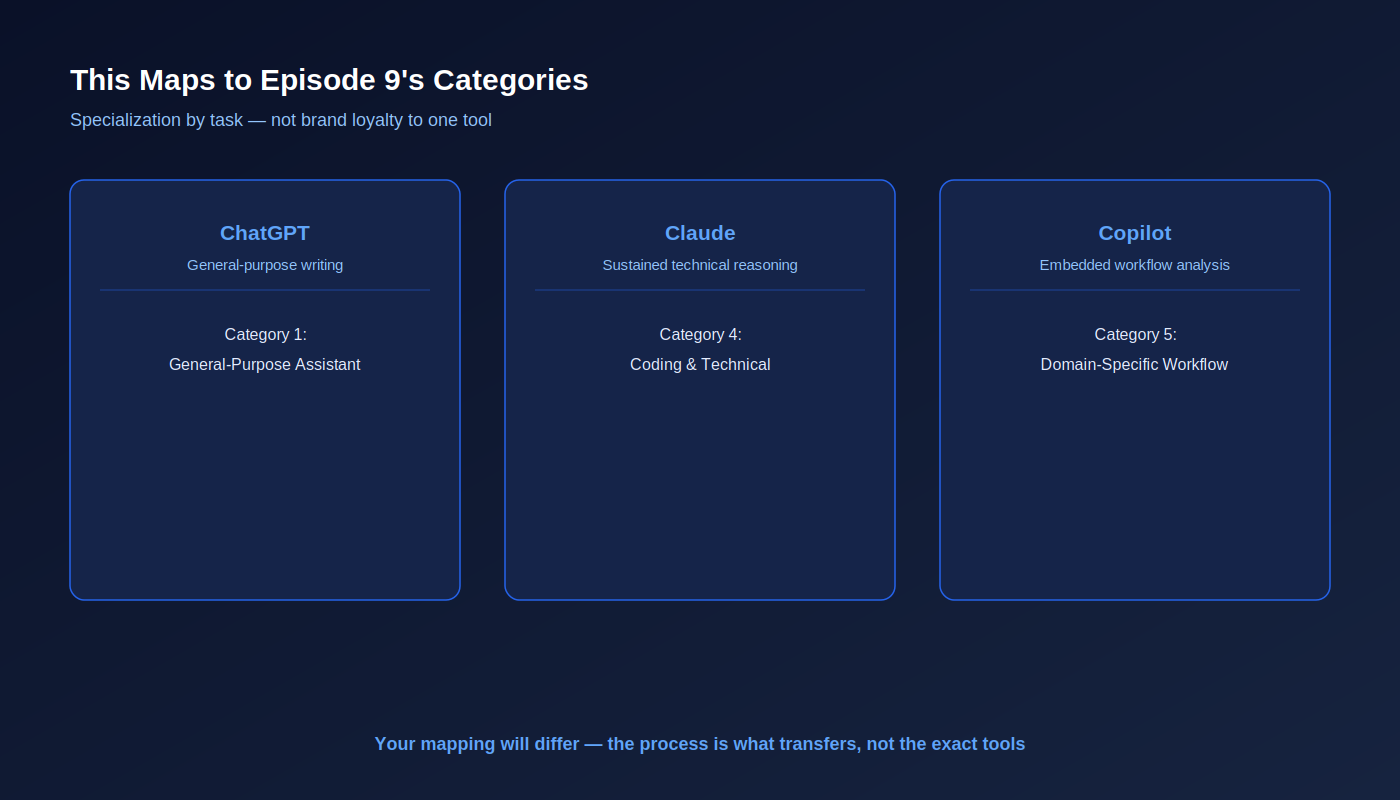
Looking back, this isn't really a story about which tool is "best."
It's a story about specialization.
The pattern maps almost perfectly to Episode 9:
- ChatGPT → General-purpose writing
- Claude → Sustained technical reasoning
- Copilot → Embedded workflow analysis
Someone else may land on completely different tools.
That's the point.
Specialization by task—not brand loyalty—is what produces better outcomes.
A Framework for Finding Your Own Mapping
Figure 7. Four questions to build your own version of this exercise.
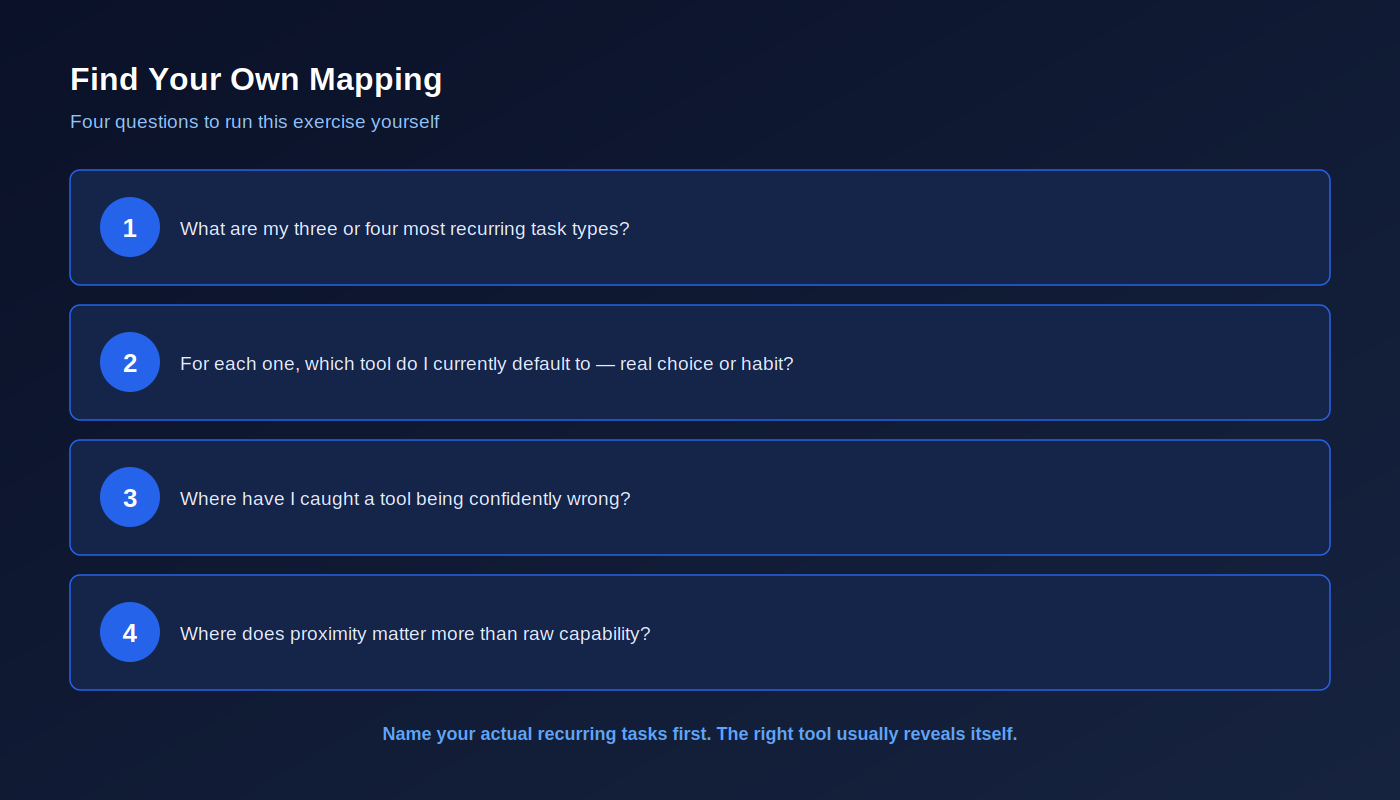
Instead of copying my setup, answer these four questions.
- What are my three or four most recurring task types?
- For each one, which tool do I currently default to—and is that habit or a deliberate choice?
- Where have I caught a tool being confidently wrong?
- Where does proximity matter more than raw capability?
Those answers reveal your mapping faster than any comparison chart ever will.
Final Thought
A year with three tools taught me less about AI than it taught me about my own work.
Once I named my recurring jobs—writing, technical reasoning, and in-flow analysis—the right tool stopped being a debate.
It became obvious.
That's a far more useful exercise than asking which AI tool is "best."
If you listed your three most recurring tasks tomorrow morning, would the same tool win all three—or have you simply never questioned the default?
About the Author
Arindam Banerjee is a technology executive with more than 21 years of experience leading enterprise technology transformation, AI strategy, digital transformation, and large-scale delivery across global organisations.
If you're figuring out how AI should fit into real executive work—not just which tool to install next—I'd be glad to connect and exchange ideas.